

USB-C to Serial M10133
The 3DR USB-C to Serial accessory helps you to establish a connection to a RS-232 interface through your USB port, really handy for those times when you are looking a rescue or debugging tool, and also easy to use since it’s out-of-the-box compliant (5V power / 3.3V logic) with a lot of Autopilots and peripherals (GNSS, Airspeed, Barometers, etc) that can communicate through a UART/USART interface.
Purchase nowGraphical pinout diagram
Section titled “Graphical pinout diagram”Top view
Section titled “Top view”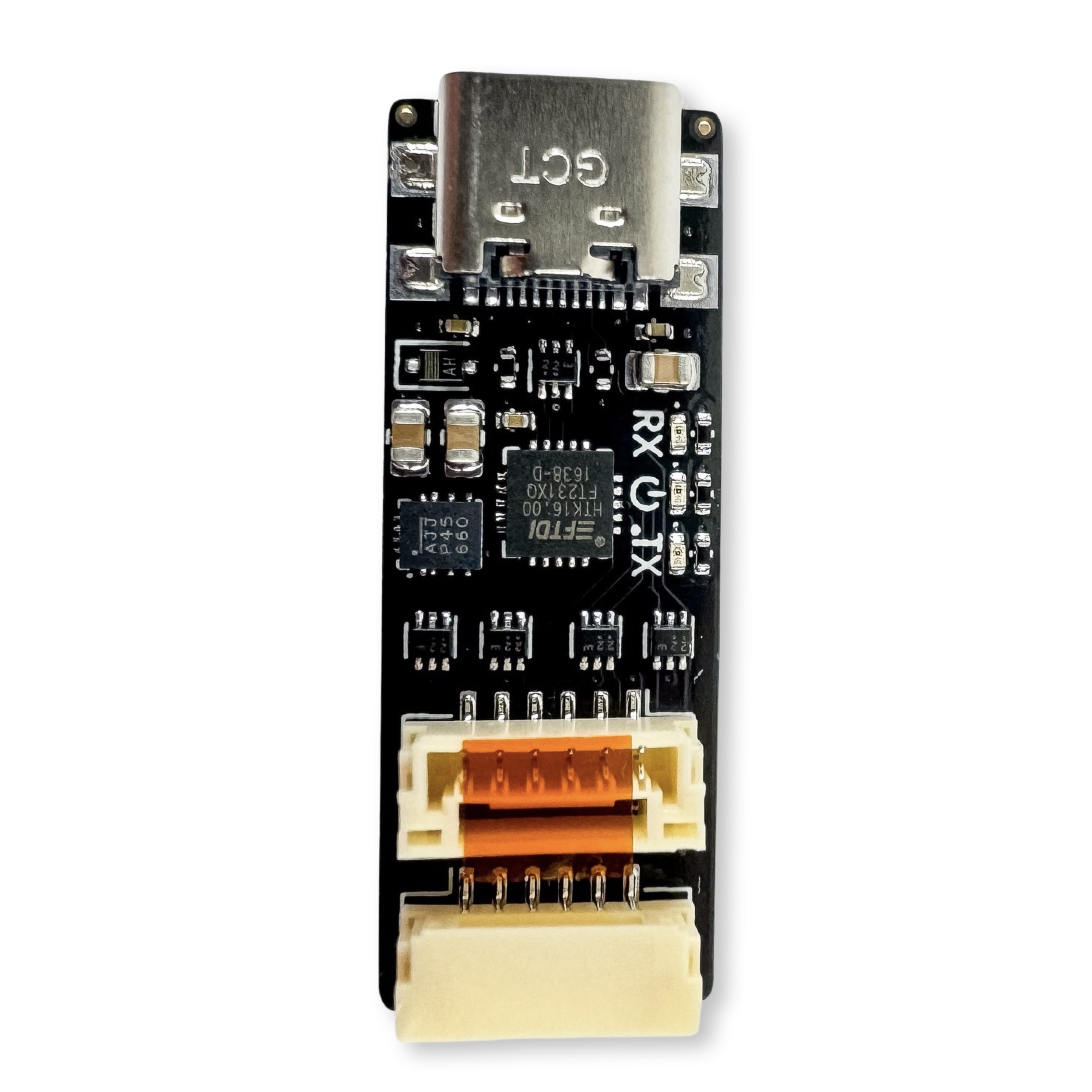
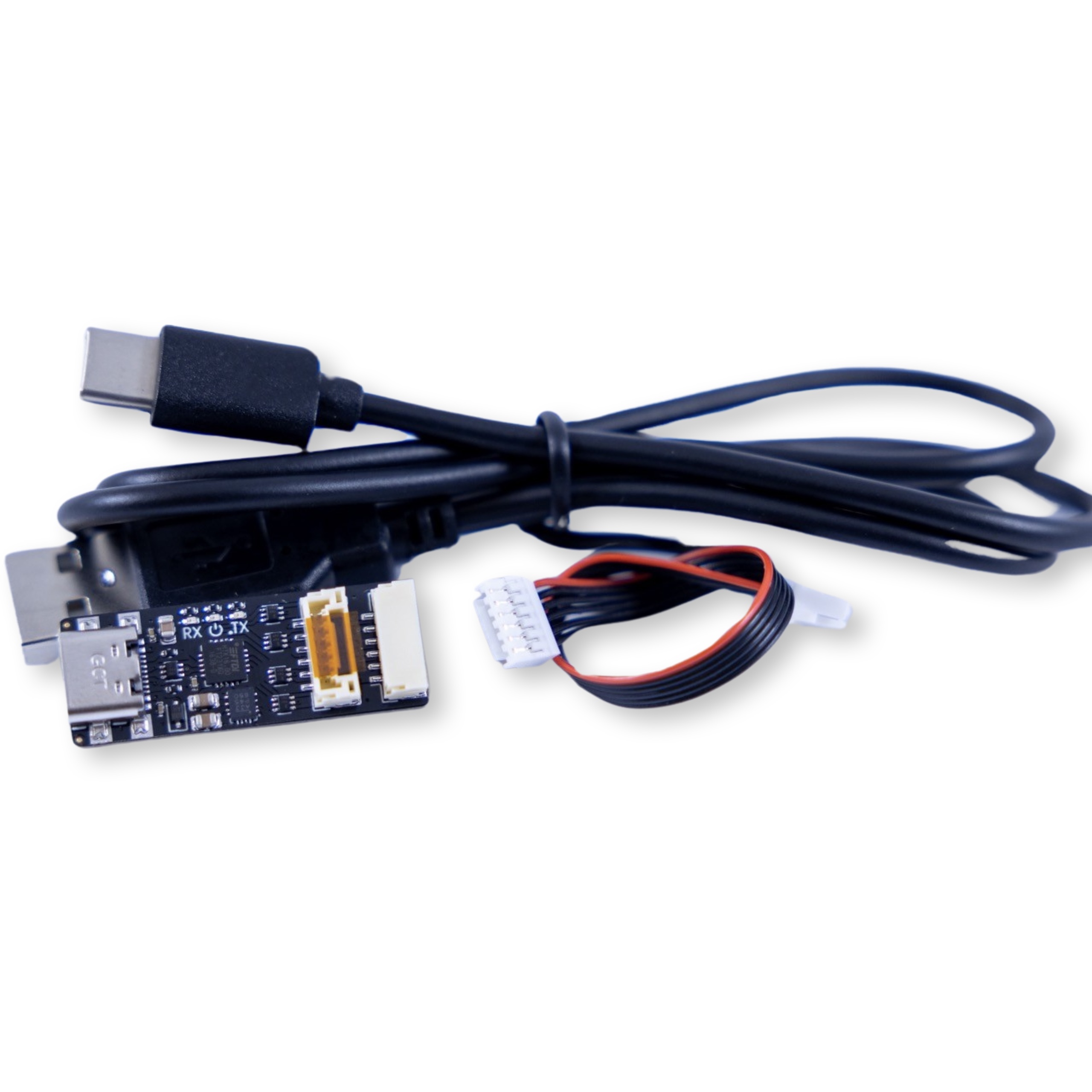
Bottom view
Section titled “Bottom view”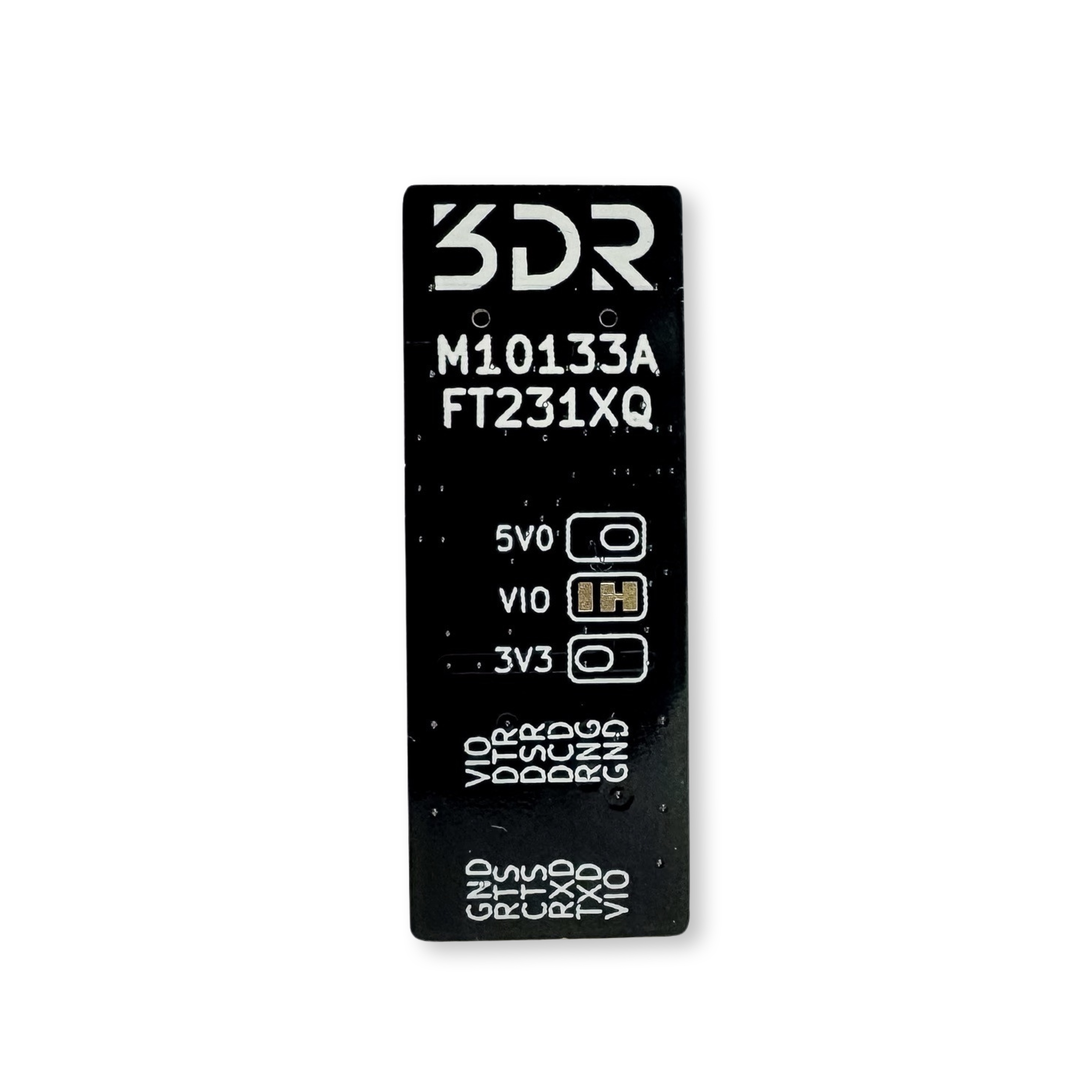
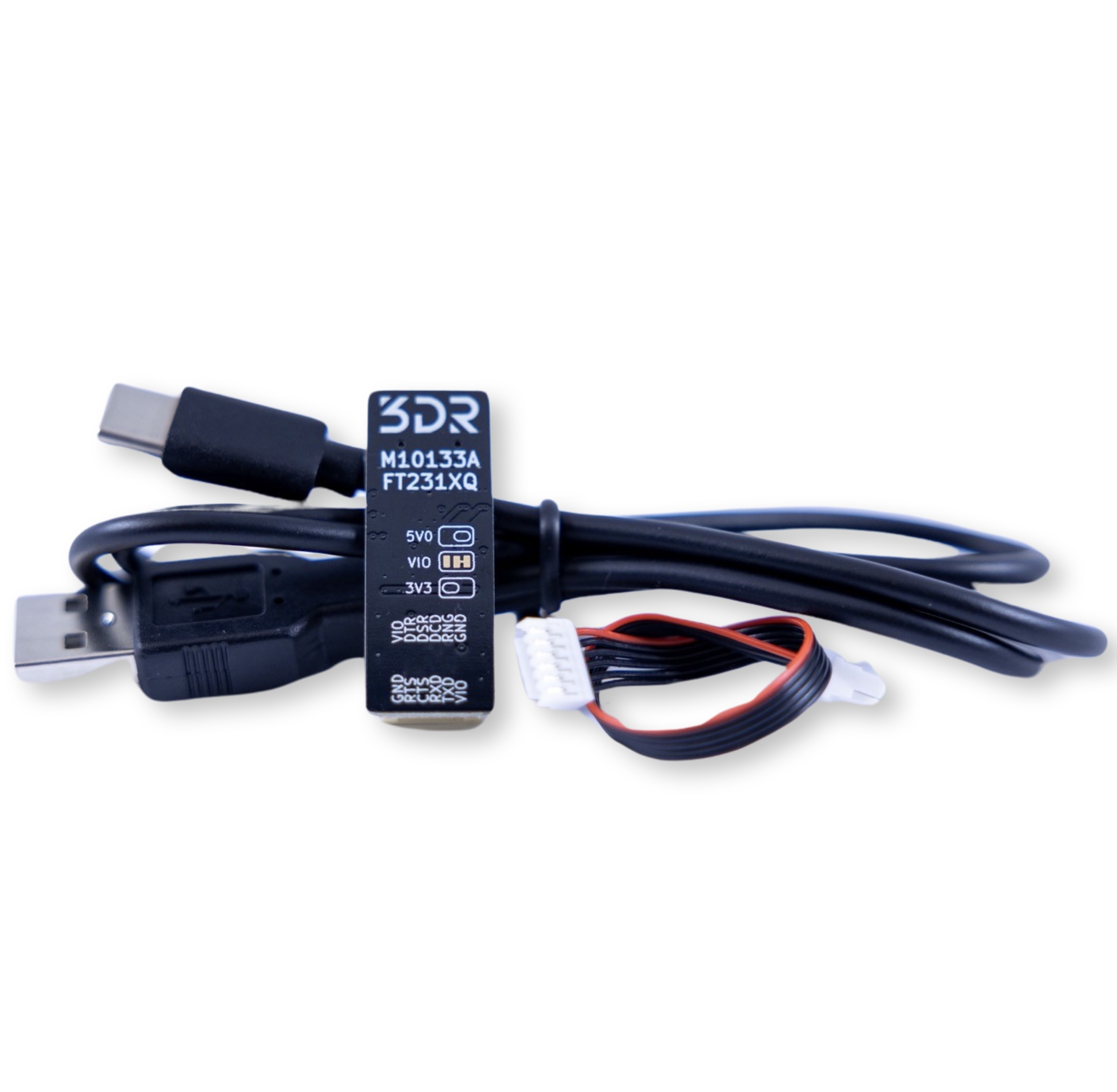
3D View
Section titled “3D View” Loading 3D model…
Specifications
Section titled “Specifications”| Electrical/MCU | USB-to-Serial M10133 |
|---|---|
| Input voltage | 5V |
| VCCIO Operating voltage | 1.62 - 3.63 V |
| Maximum current | 3A |
| Output voltage | 5V, 3.3V, selectable |
| Mechanical | |
|---|---|
| Dimensions | 35mm x 13 mm |
| Screw pattern | X |
| Screw size | M3 (3.2mm hole diameter) |
Changelog
Section titled “Changelog”- Revision A
Quick Start
Section titled “Quick Start”- Connect the connector to the respective serial port, make sure to verify that the pins match accordingly to what is shown on the label. Also figure out which power source is more convenient for your device, read Selecting power source for further information.
- Connect your USB C cable into your PC
- Have fun!
Port pinout tables
Section titled “Port pinout tables”J1 Connector
Section titled “J1 Connector”| Pin | Color | Signal | TTL/Voltage Level |
|---|---|---|---|
| 1 | red | VIO | 5V (Default1) |
| 2 | black | TXD | 3V3 |
| 3 | black | RXD | 3V3 |
| 4 | black | CTS | 3V3 |
| 5 | black | RTS | 3V3 |
| 6 | black | GND | GND |
J2 Connector
Section titled “J2 Connector”| Pin | Color | Signal | TTL/Voltage Level |
|---|---|---|---|
| 1 | red | VIO | 5V (Default1) |
| 2 | black | DTR | 3V3 |
| 3 | black | DSR | 3V3 |
| 4 | black | DCD | 3V3 |
| 5 | black | RI | 3V3 |
| 6 | black | GND | GND |
Selecting power source
Section titled “Selecting power source”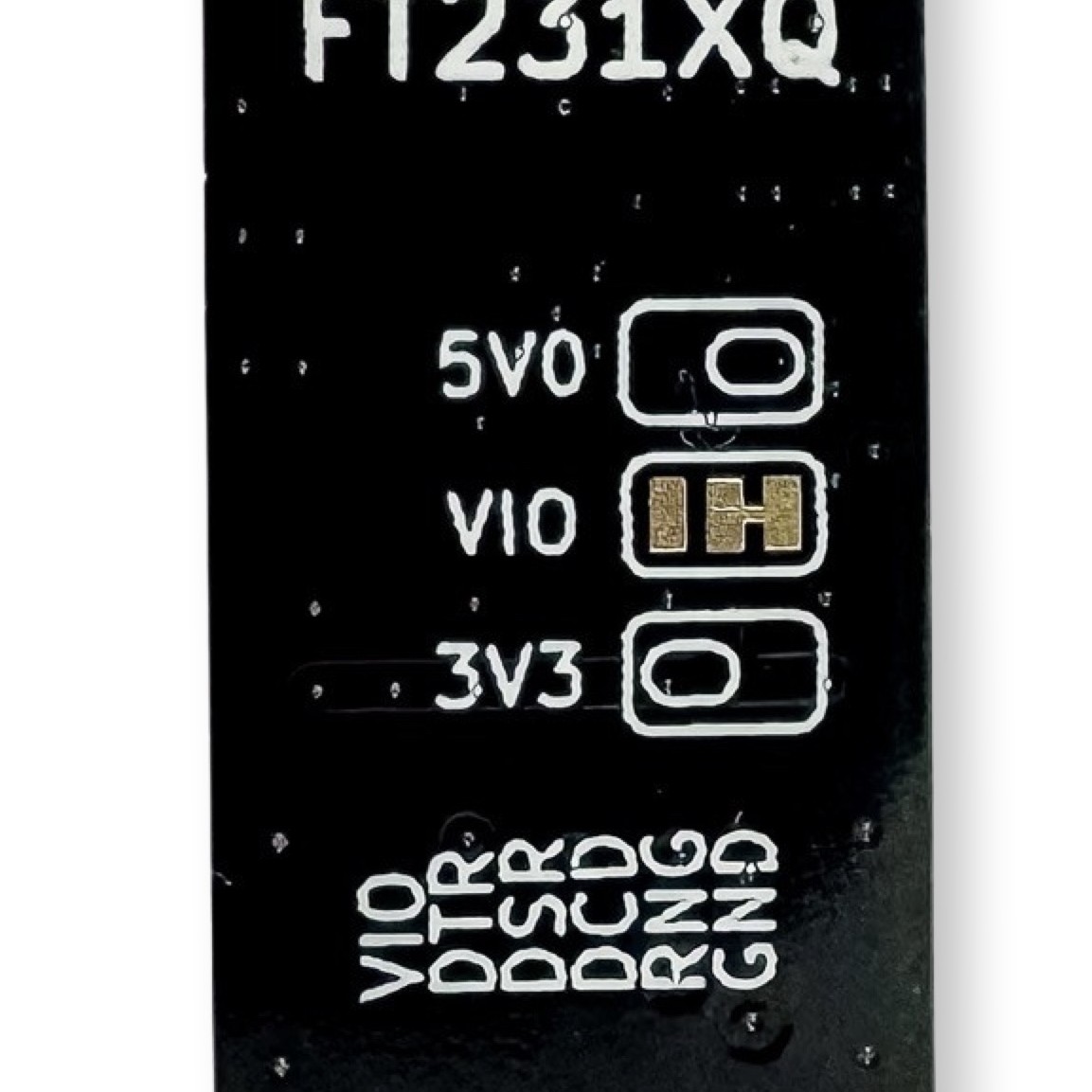
Downloads
Section titled “Downloads”Drivers
Section titled “Drivers”- Windows 10/11 (32/64 bit, 64 bit) FTDI driver
- Linux (already part of the main kernel)
Footnotes
Section titled “Footnotes”-
Please read Selecting power source for further information ↩ ↩2