

ZED-F9P Navigator Pro RTK GNSS — Dual Frequency + CAN
Esta página aún no está disponible en tu idioma.
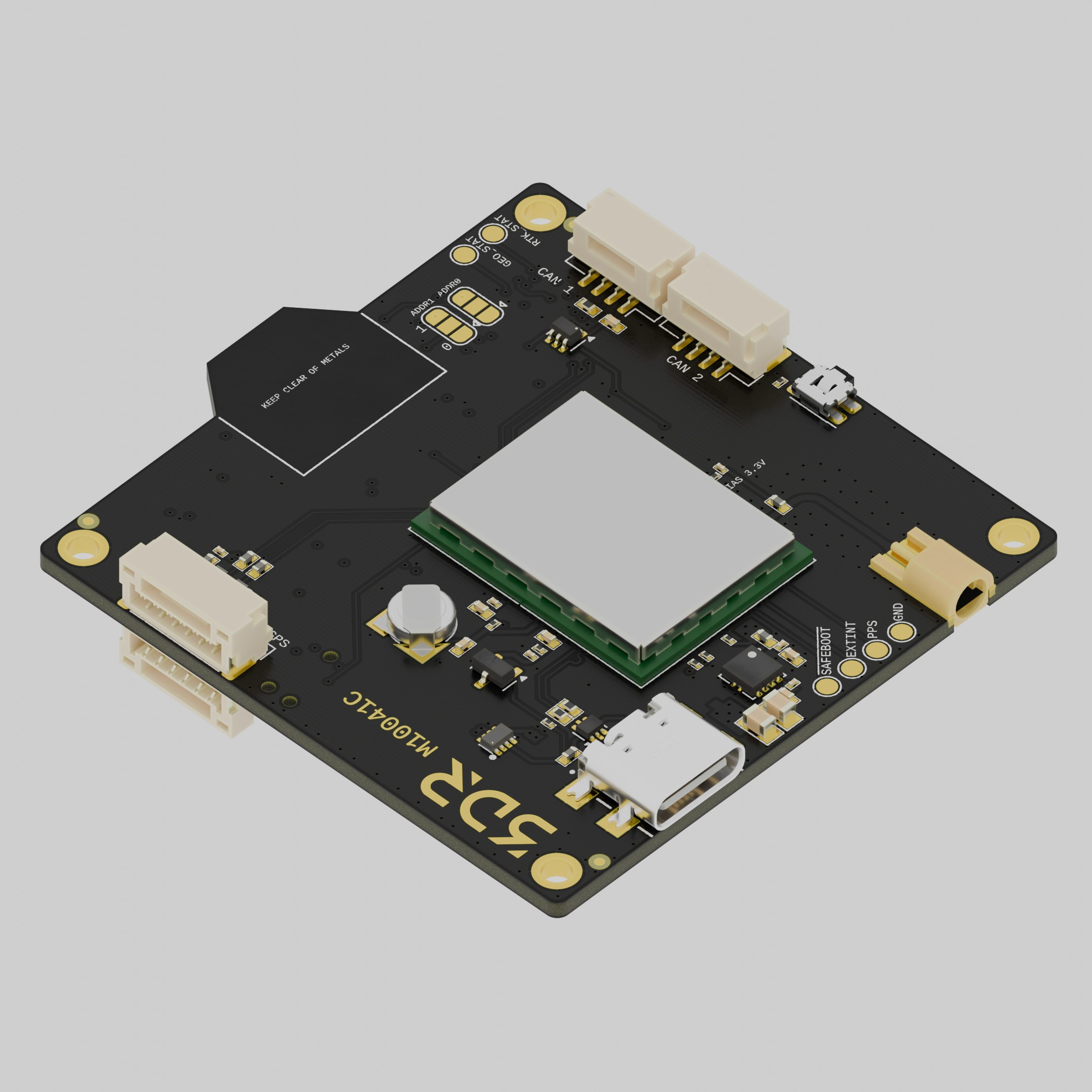
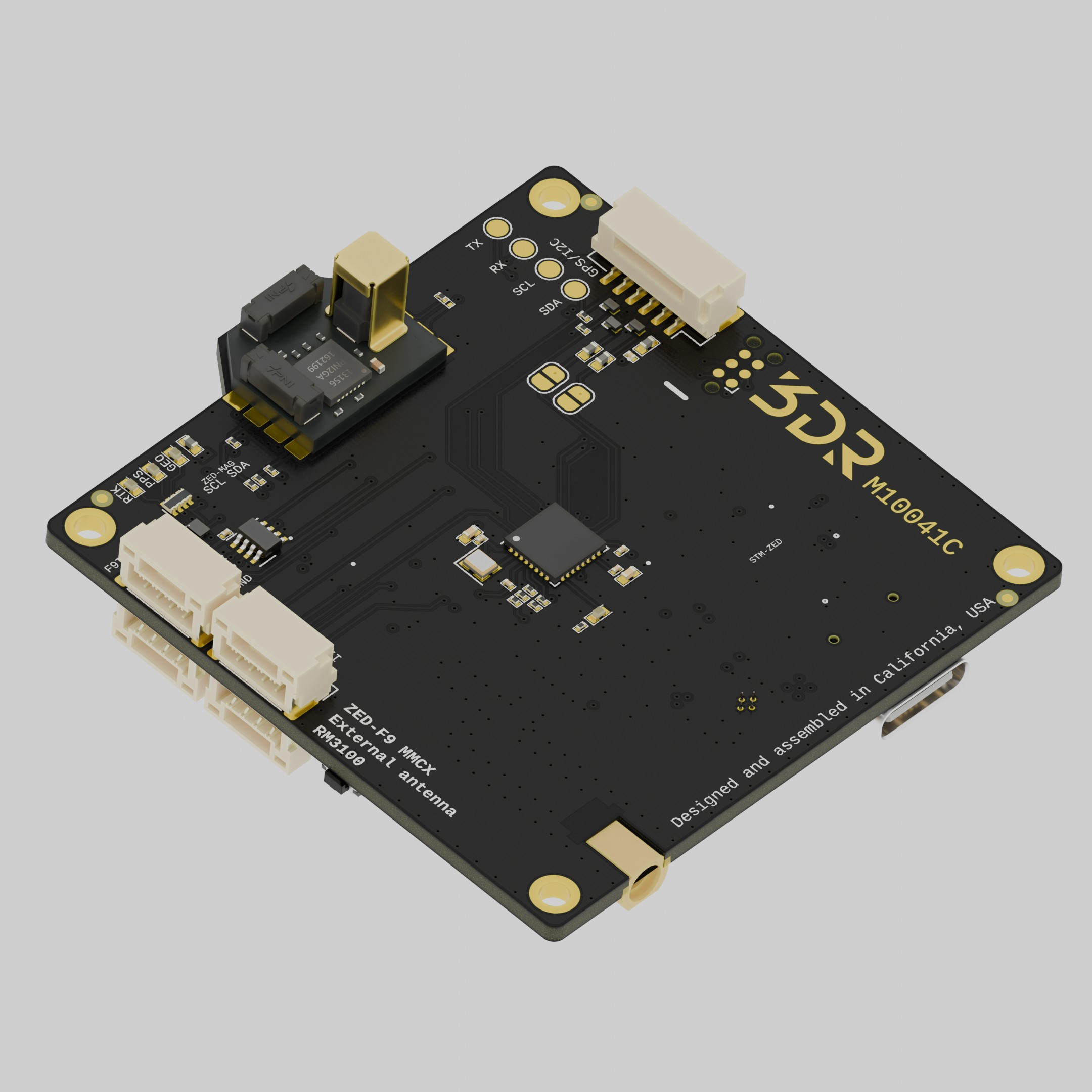
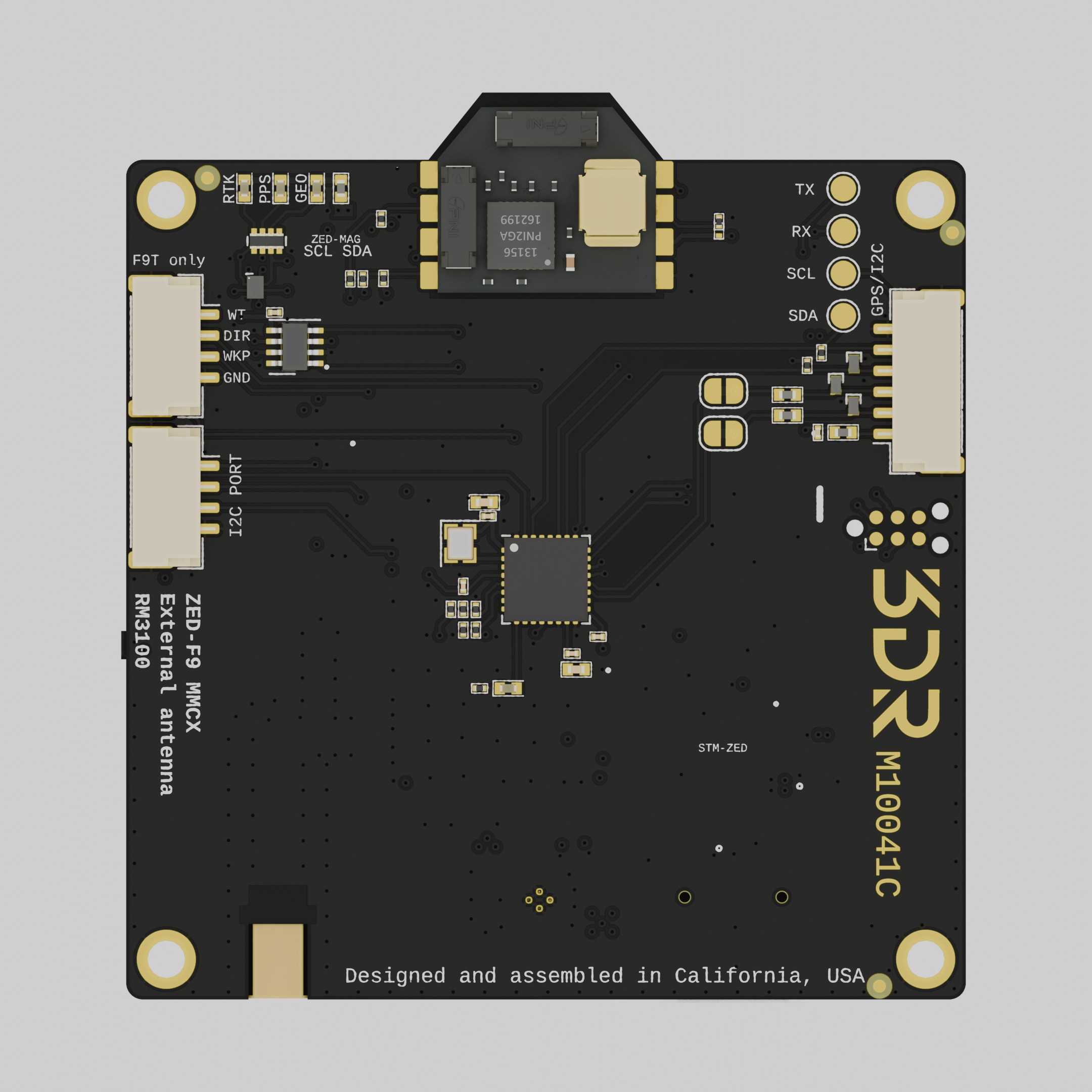
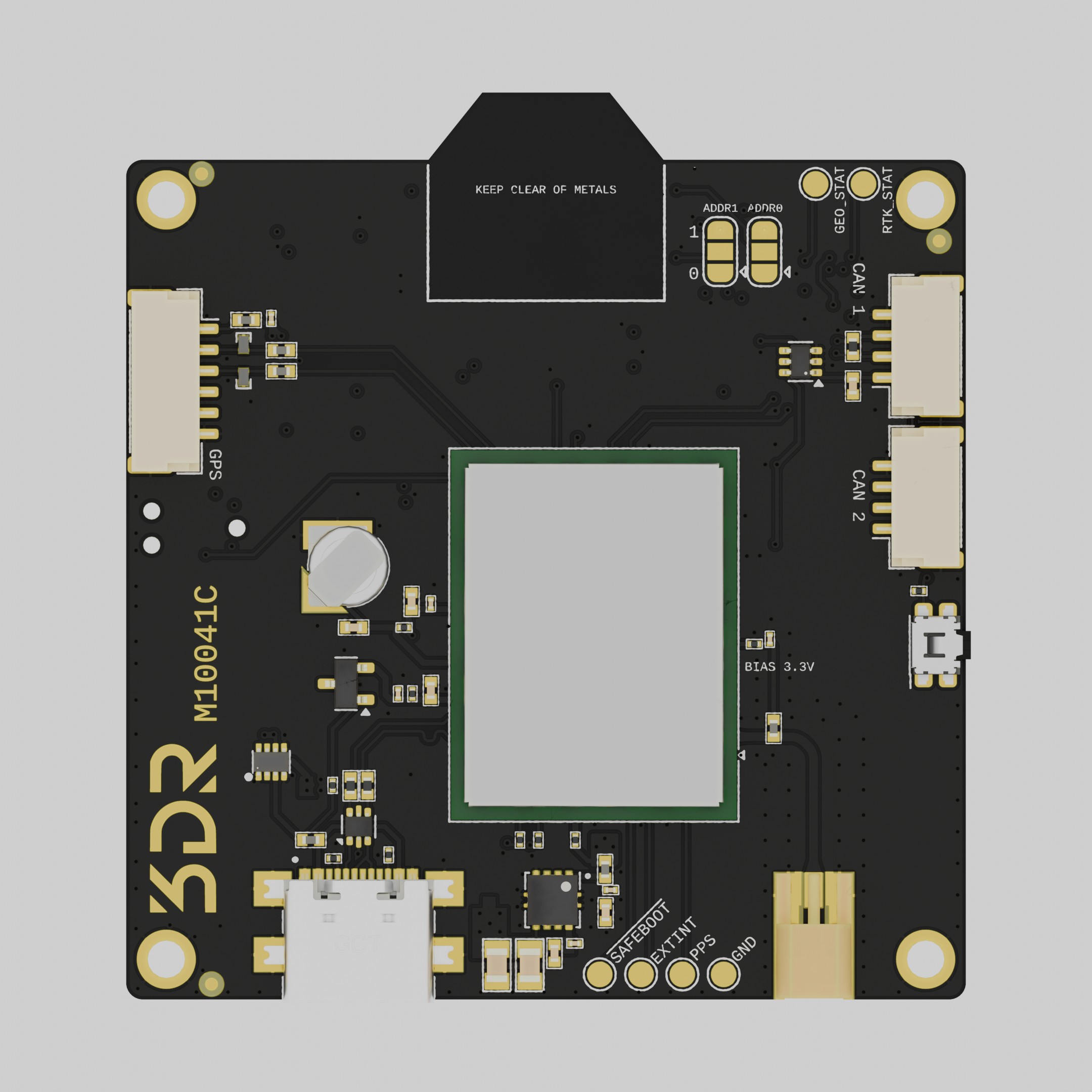
The 3DR ZED-F9P Navigator Pro is a compact, high-performance RTK module available in two dual-frequency variants: L1/L2 (ZED-F9P-04B) and L1/L5 (ZED-F9P-15B). Both support RTK positioning across all major GNSS constellations and provide CAN bus (DroneCAN) connectivity alongside the standard UART interface.
Unlike the standard ZED-F9P variant with its integrated patch antenna, this module requires an external active antenna connected via the onboard MMCX connector. This makes it well suited for airframes where the antenna must be remotely mounted or where a specific antenna form factor is required. The compact, lightweight design (7.5 g) makes it ideal for space-constrained builds.
An RM3100 magnetometer is integrated on-board.
Purchase This GPSSpecifications
Section titled “Specifications”| Specification | M10041 |
|---|---|
| Part Number | M10041 |
| HW Revision | C |
| GNSS Module | u-Blox ZED-F9P-04B (L1/L2) · ZED-F9P-15B (L1/L5) |
| Constellations (L1/L2) | GPS (L1/L2), GLONASS (L1/L2), Galileo (E1/E5b), BeiDou (B1/B2) |
| Constellations (L1/L5) | GPS (L1/L5), GLONASS (L1), Galileo (E1/E5a), BeiDou (B1/B2a) |
| RTK Ready | Yes |
| Antenna | External active antenna required (MMCX connector) |
| Compass | RM3100 |
| Barometer | No |
| USB Port | Yes (Type C) |
| UART | Yes |
| CAN | Yes (DroneCAN) |
| LED | Yes |
| Weight | 7.5 g |
| Operating Temperature | -20 ~ 80 °C |
Firmware
Section titled “Firmware”ArduPilot
- Arducopter 4.x
- ArduPlane 4.x
- ArduRover 4.x
PX4
- V1.10
- V1.9
Usage Guide
Section titled “Usage Guide”The module ships pre-configured to work with ArduPilot/PX4 out of the box when connected to the autopilot’s CAN or GPS port.
When using the CAN interface, configure the autopilot for DroneCAN (set CAN_P1_DRIVER=1 in ArduPilot, or enable UAVCAN in PX4) and ensure the module is powered through the CAN connector.
If the u-Blox ZED-F9P parameters need to be modified, use u-Blox’s u-center software together with the USB-C port.
Connectors
Section titled “Connectors”All connectors follow the Dronecode connector standard (JST-GH).
Pinout
Section titled “Pinout”GPS1 / UART1
Section titled “GPS1 / UART1”u-Blox UART + I2C
| Pin | Color | Signal | Voltage |
|---|---|---|---|
| 1 | red | VCC | 5V |
| 2 | black | RX | 3V3 |
| 3 | black | TX | 3V3 |
| 4 | black | I2C_SCL | 3V3 |
| 5 | black | I2C_SDA | 3V3 |
| 6 | black | GND | N/A |
| Pin | Color | Signal | Voltage |
|---|---|---|---|
| 1 | red | VCC | 5V |
| 2 | black | CAN_H | — |
| 3 | black | CAN_L | — |
| 4 | black | GND | N/A |
ZED-F9P USB port — use for configuration with u-center or firmware updates.
Wiring (UART)
Section titled “Wiring (UART)”| Autopilot | M10041 |
|---|---|
| VCC | VCC |
| TX | RX |
| RX | TX |
| I2C_SCL | I2C_SCL |
| I2C_SDA | I2C_SDA |
| GND | GND |