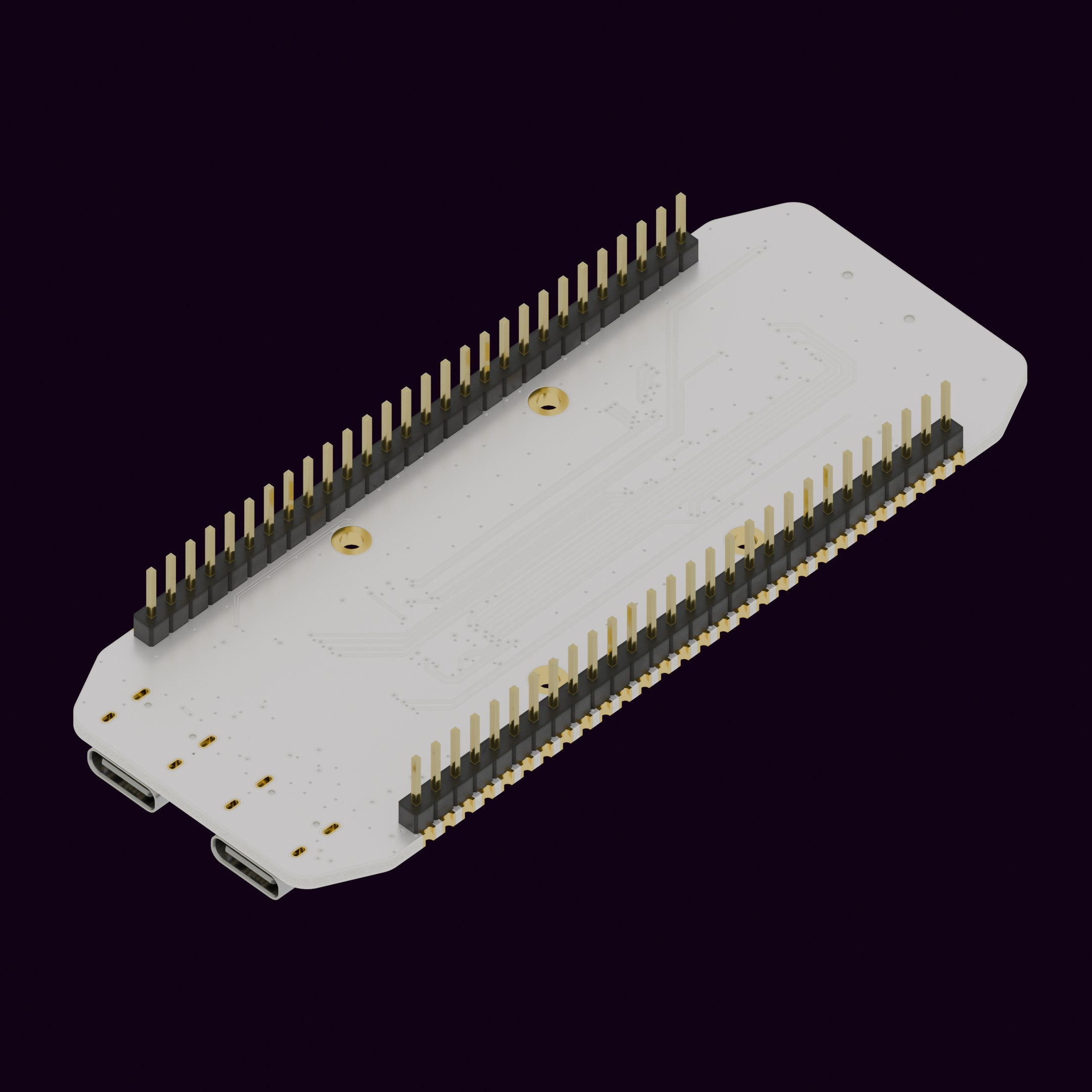
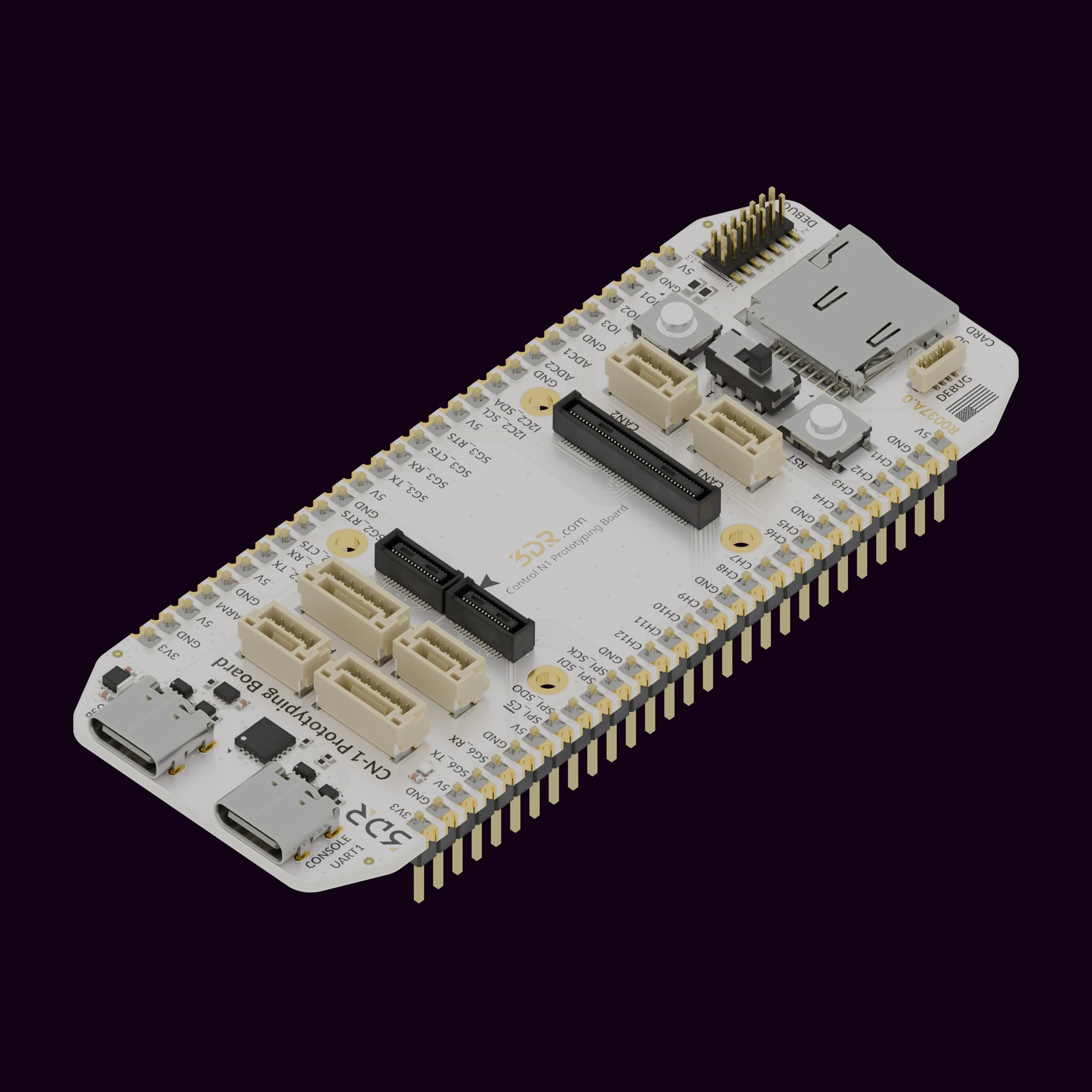
The R0037 is a prototyping carrier for the Control N1 , designed to accelerate hardware development without the constraints of a production carrier board. Use it to evaluate sensors and peripherals before committing to a custom carrier board layout.
Breadboard Compatible: Standard pin spacing lets it seat directly into a breadboard for tool-free prototyping.Full Pin Breakout: Every pin on the CN1 is accessible, giving you direct access to all signals on the board.Debugging Support: Includes two debug cable interfaces for programming.Intended for hardware development and validation. Use it to probe CN1 signals, test custom peripheral wiring, or bring up new carrier board designs before committing to a production layout. Unpack the product and inspect for any visible damage. Align the connector/interface with the corresponding port on Control N1 (R0024) . Secure the connection by pressing firm and equally both boards against each other. Power On the base product to verify successful integration. USB-C (USB) USB-C (Console UART) Micro SD Card Slot Boot Switch RST (Push Button) B1 (Push Button) SG1 w/Flow Control SG2 w/Flow Control [pads] SG3 w/Flow Control [pads] SG4 SG5 [pads] SG6 [pads] PWM CH1–12 [pads] GPIO 1–3 [pads] I2C1 I2C2 [pads] SPI [pads] CAN1 CAN2 Power All pads are labeled on the board itself.
Pin Signal Description 1 +5V +5V power output 2 S1_TX Serial transmit (UART TX) 3 S1_RX Serial receive (UART RX) 4 S1_CTS Clear To Send (hardware flow control) 5 S1_RTS Request To Send (hardware flow control) 6 GND Ground
Pin Signal Description 1 +5V +5V power output 2 S4_TX Serial transmit 3 S4_RX Serial receive 4 GND Ground
Pin Signal Description 1 +5V +5V power output 2 SCL I2C clock line 3 SDA I2C data line 4 GND Ground
Pin Signal Description 1 +5V +5V power output 2 CAN_H CAN bus high 3 CAN_L CAN bus low 4 GND Ground
Pin Signal Description 1 +5V +5V Power input 2 ADC2 Analog input 1 3 ADC1 Analog input 2 4 GND Ground
Button Pin Function RST AP_RST Resets the CN1 B1 IO4 User-assignable button
Position Function OFF Boot from internal flash (normal) ON Enter bootloader / DFU mode
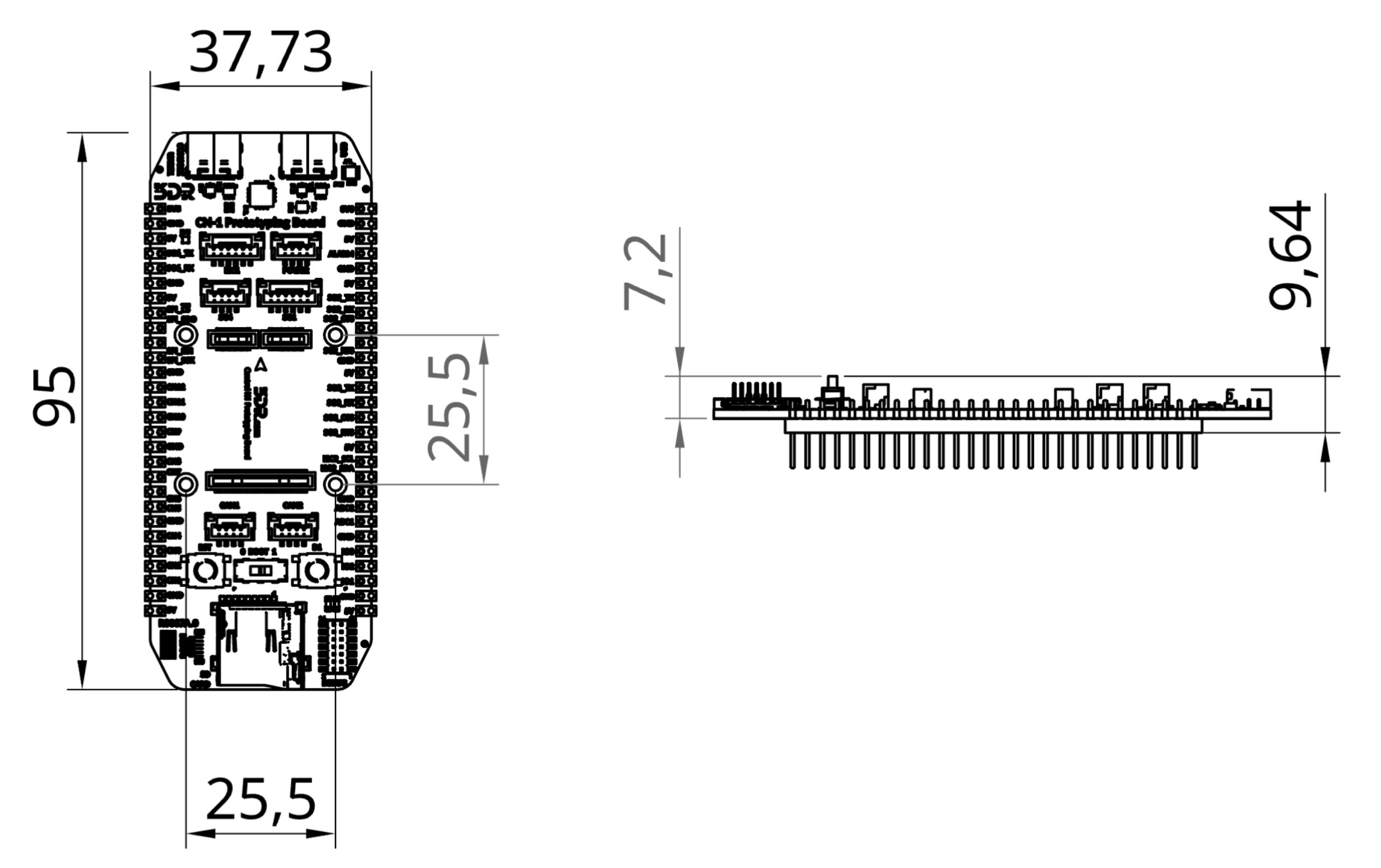
Mounting screws: M2
Weight: TBD
Parameter Specification Input Voltage 5V via USB 5V Output (Max Continuous) 1.5A (shared across 5V pads) 3.3V Output (Max Total) 600mA
USB 5V Rail (1.5A max) USB Console (FTDI → SG5) 3.3V Power Module (600mA max) 5V Pads Connectors Buttons 3V3 Pads Power Connector (Battery) 5V Rail (Battery) 3.3V Power Module (600mA max) 5V Pads Connectors Buttons 3V3 Pads Clean with a dry cloth; avoid moisture or abrasive materials. Periodically check connection points for wear or loosening. Store in a cool, dry place when not in use. If you have further questions, contact us .


.jpg)