

Control Zero H7
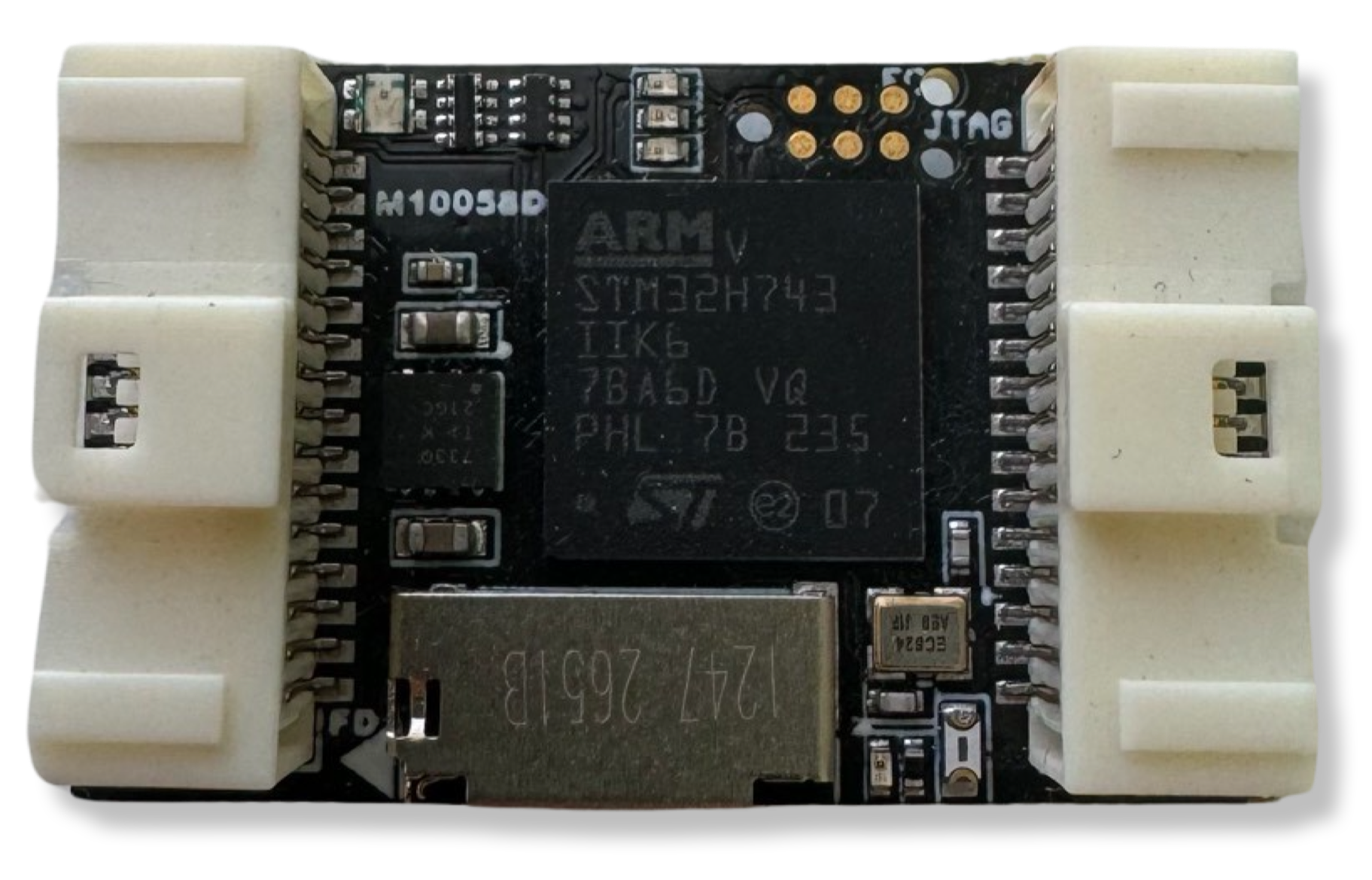
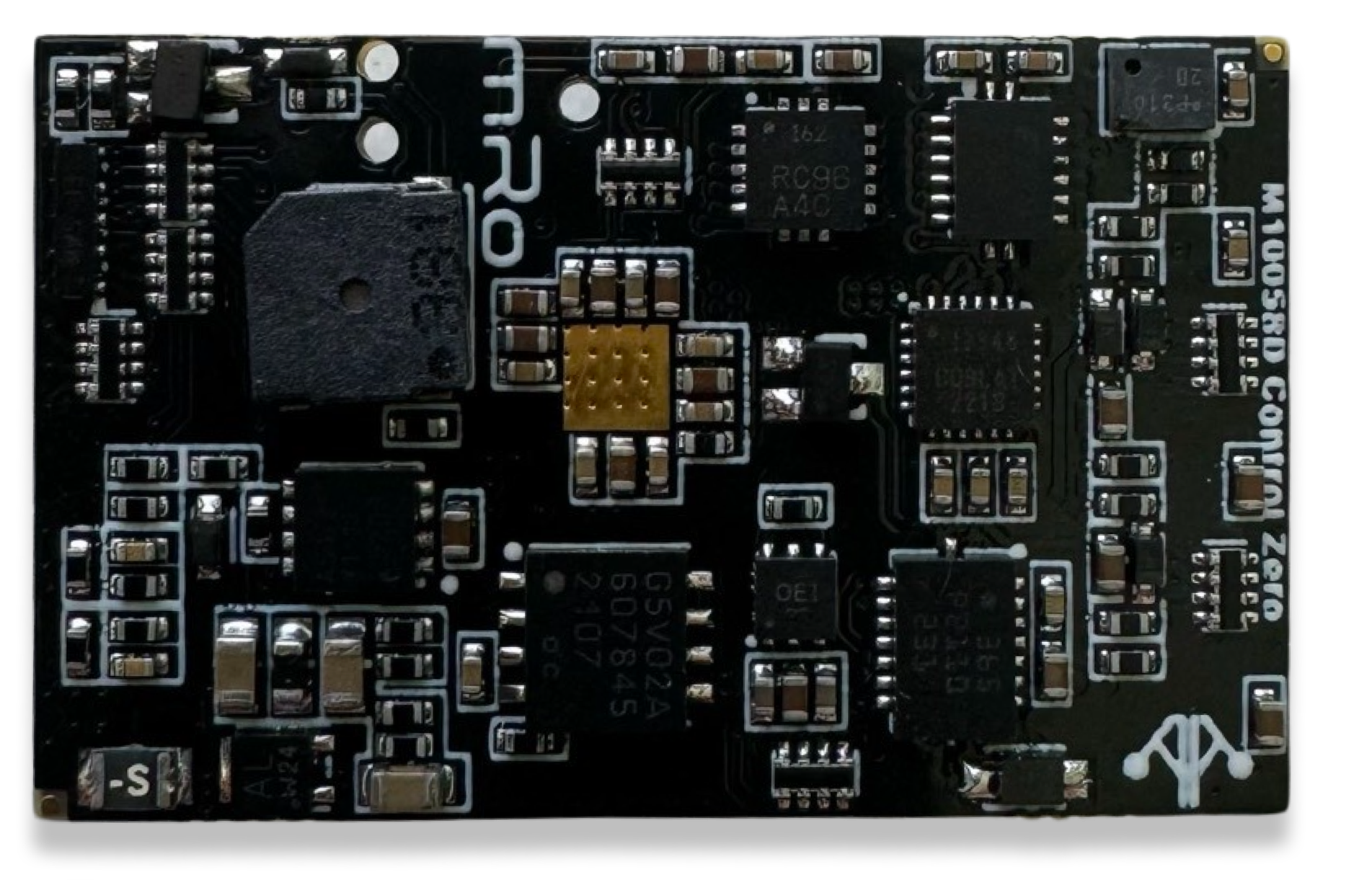
Description
Section titled “Description”The Control series of flight controllers from 3DR is our commitment to continuous improvement. Our goal with this series was to take every lesson learned from our +10 years of flight controller design and make the best pro-consumer and commercial flight controller on the market.
Purchase Control Zero H7 KitPurchase Aluminum CaseSpecifications
Section titled “Specifications”| Specifications | Control Zero H7 |
|---|---|
| Main Processor | STM32H743 Arm® Cortex®-M7 core (with double-precision floating point unit). 480 MHz |
| IO Coprocessor | No |
| RAM | 1 MB |
| Flash | 2 MB |
| FRAM | 256kb |
| Accelerometers / Gyros / Mags | 3x Accelerometers, 3x Gyros, 1x Magnetometer |
| Sensors | Bosch BMI088 (6DoF) Invensense/TDK ICM-20602 (6DoF) Invensense/TDK ICM-20948 (9DOF) |
| Internal Magnetometer | AK09916 inside ICM-20948 |
| Barometer | Infineon DPS310 barometer (Very smooth and NO light sensitivity) |
| Interfaces and Protocols | 5x UART (serial ports) [2x with HW flow control]. 1x PPM sum input signal 8x PWM outputs (all DShot capable) 1x RSSI (PWM or voltage) input 1x I2C 1x SPI 1x CAN 1x JTAG (TC2030 Connector) 3x Ultra low noise LDO voltage regulator Supported RC input protocols: Spektrum DSM / DSM2 / DSM-X® Satellite compatible input and binding. Futaba S.BUS® & S.BUS2® compatible input. FRSky Telemetry port output. Graupner SUMD. Yuneec ST24. |
| Connectors | Molex PicoClasp External MicroUSB |
| Pin Headers | Yes |
| Conformal Coating | Yes |
| Extended Testing and Burn In | Yes |
| Custom Carrier Board Support | No |
| NotifyLED | Yes (RGB) |
| Dimensions | Width: 25.9mm (1.01”) Length: 40mm (1.57”) Height: 13.2 mm (0.52in) |
| Dimensions w/o case | Width: 20mm (0.79”) Length: 32mm (1.26”) Height: 10.5 mm (0.41”) |
| Weight | 34.94g (1.23 oz) |
| Weight w/o case | W/ Pins: 18.14g (0.64 oz), W/o Pins 13.04g (0.46 oz) |
| Mounting Holes | N/A |
| Protector Case | Included aluminum case |
| Typical Platforms | Multirotor Rover Fixed-Wing Boats Submarines VTOL Automatic Tractors Others |
About IO coprocessors and AUX Pins
Historically, microcontrollers mounted on Autopilots didn’t have enough resources to handle the requirements that industry was demanding. Usually, the features needed to keep up with the trends, pushed manufacturers to add IO coprocessors to increase the number of available timers to generate and decode PWM signals and additional IO Pins. The coprocessor in these hardware architectures is usually connected via a single serial port, reducing the amount of data available in time and introducing more points of failure. This arrangement pushed the pins to be divided by MAIN and AUX Pins, where MAIN were the pins connected to the MCU and AUX to IO coprocessors.
However, later generations of hardware have increased IO pin density, timers and reduced size factor, among other enhancements.
Additionally, a special benefit also stands out for our design principles, and it is the higher amount and more sophisticated DMAs that work really well with peripherals, transferring high amounts of data and decreasing CPU usage. Besides, we are transitioning from a single MCU architecture to more distributed systems thanks to DroneCAN and Ethernet connectivity (coming soon). In practical terms, you can consider every available PWM pin in your board as you would for an AUX pin.
Firmware
Section titled “Firmware”The mRo Control Zero is compatible with the following firmware:
Ardupilot
Section titled “Ardupilot”

Normal Usage Guide
Section titled “Normal Usage Guide”All connectors follow the Dronecode connector standard. Unless noted otherwise, all connectors are JST-GH.
Pinouts
Section titled “Pinouts”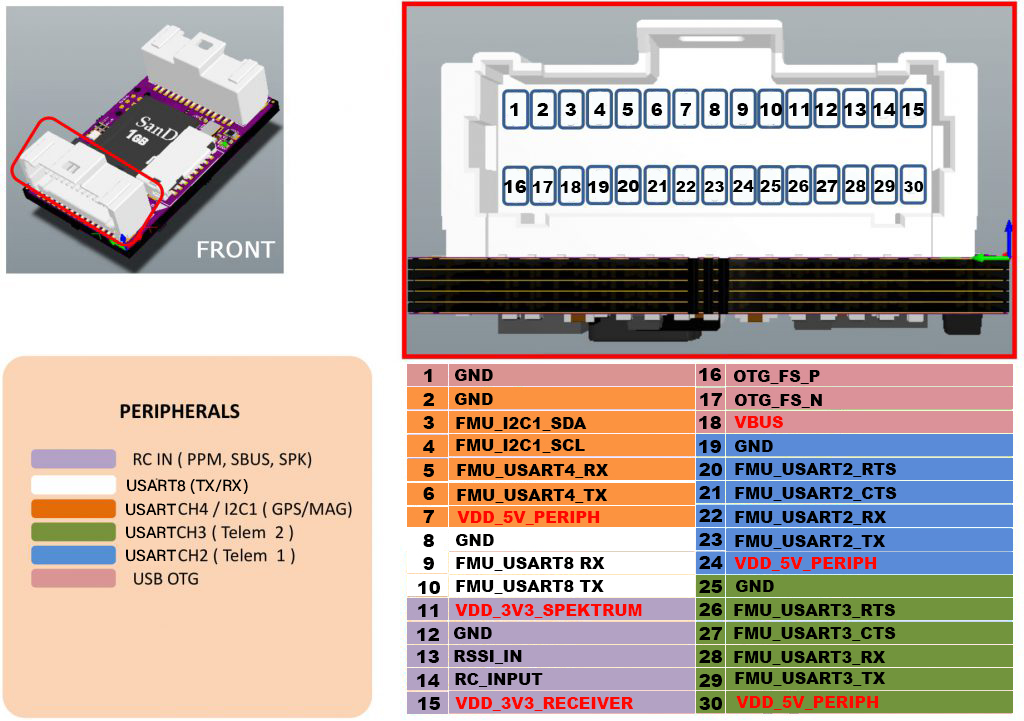
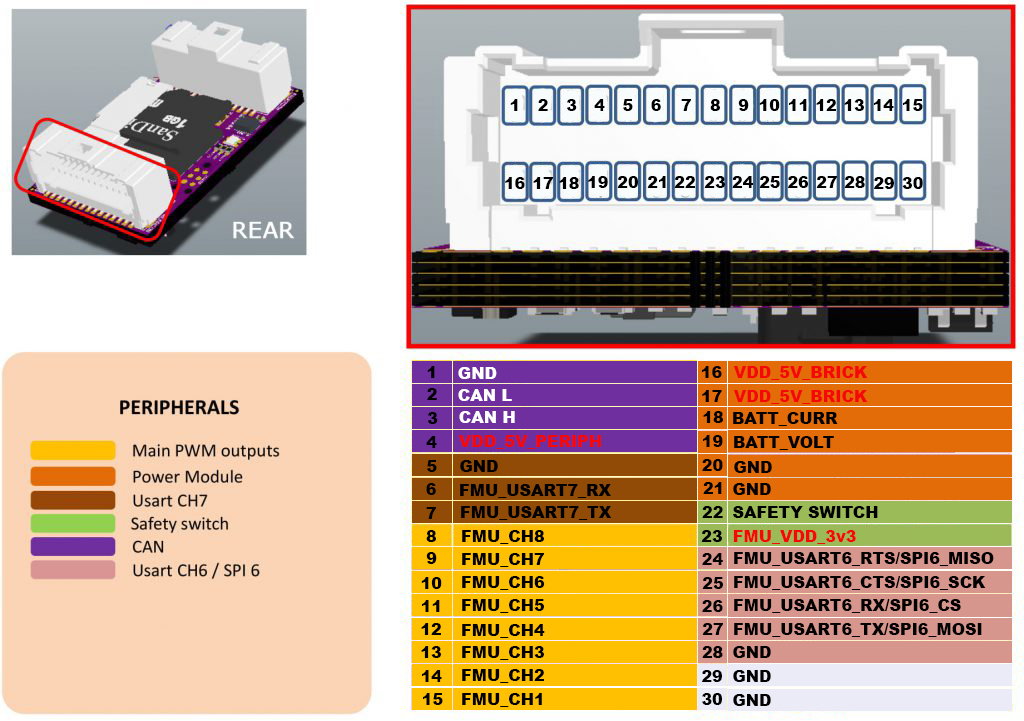
The serial ports default assignment is as follows:
| Serial | Port Name | AP Serial |
|---|---|---|
| USART2 | TELEM1 | SERIAL1 |
| USART3 | TELEM2 | SERIAL2 |
| USART4 | GPS | SERIAL3 |
| USART8 | Additional UART | SERIAL4 |
| USART7 | Additional UART | SERIAL5 |
Custom builds may be needed if you want to change default functionality for UART/SPI 6, this depends on the selected flight stack firmware.
If you have further questions contact us.
Power considerations
Section titled “Power considerations”The board is intended to be powered either from the power ‘brick’ labeled as 5V_SRC in the above diagram or the VUSB pin or both; 5.25V is recommended due to protection diodes, this way you’ll avoid getting low voltage warnings from the ground station software. The CZ OEM is able to provide up to 1.8A (fused) to the 5V_PRPH power domain, exceeding this current is will damage the board.
Tutorials
Section titled “Tutorials”Accessories Bags
Section titled “Accessories Bags”Bag #1
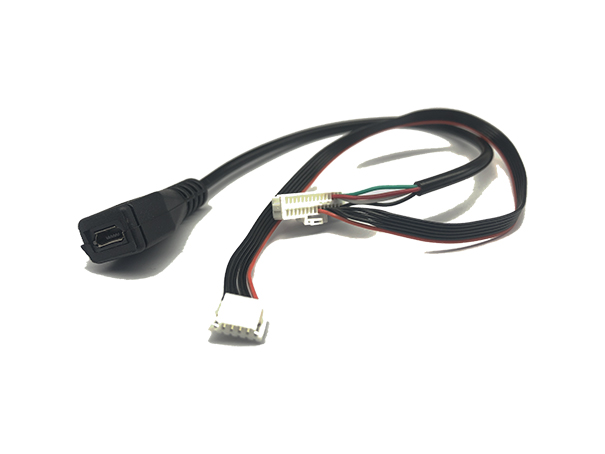
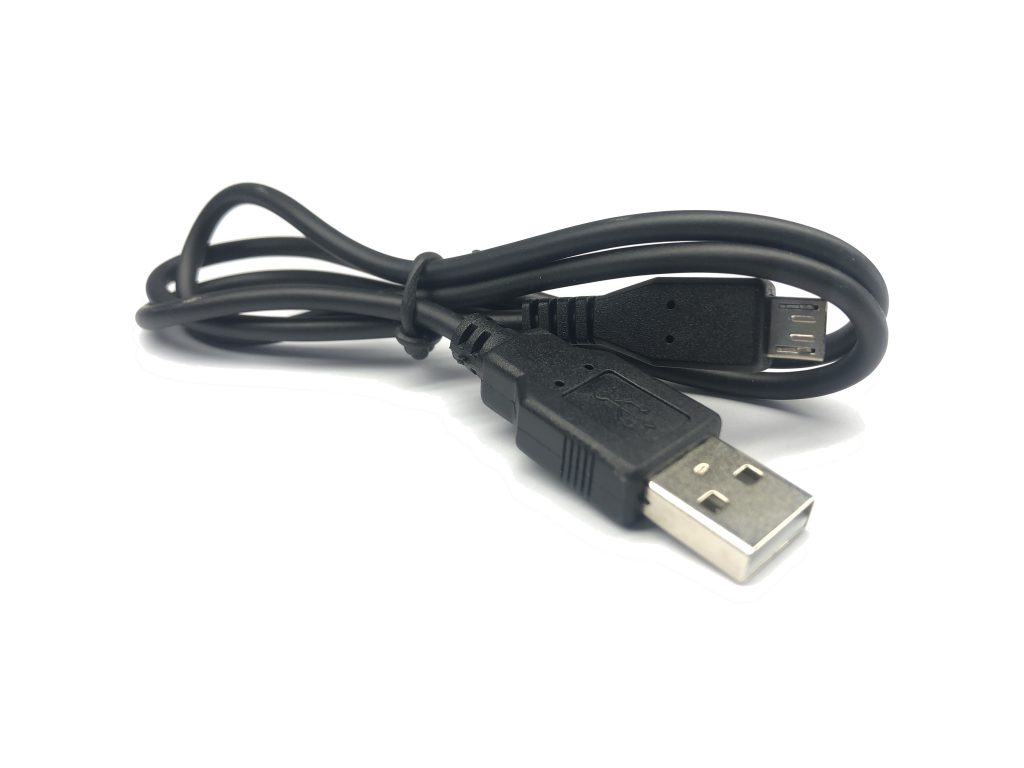
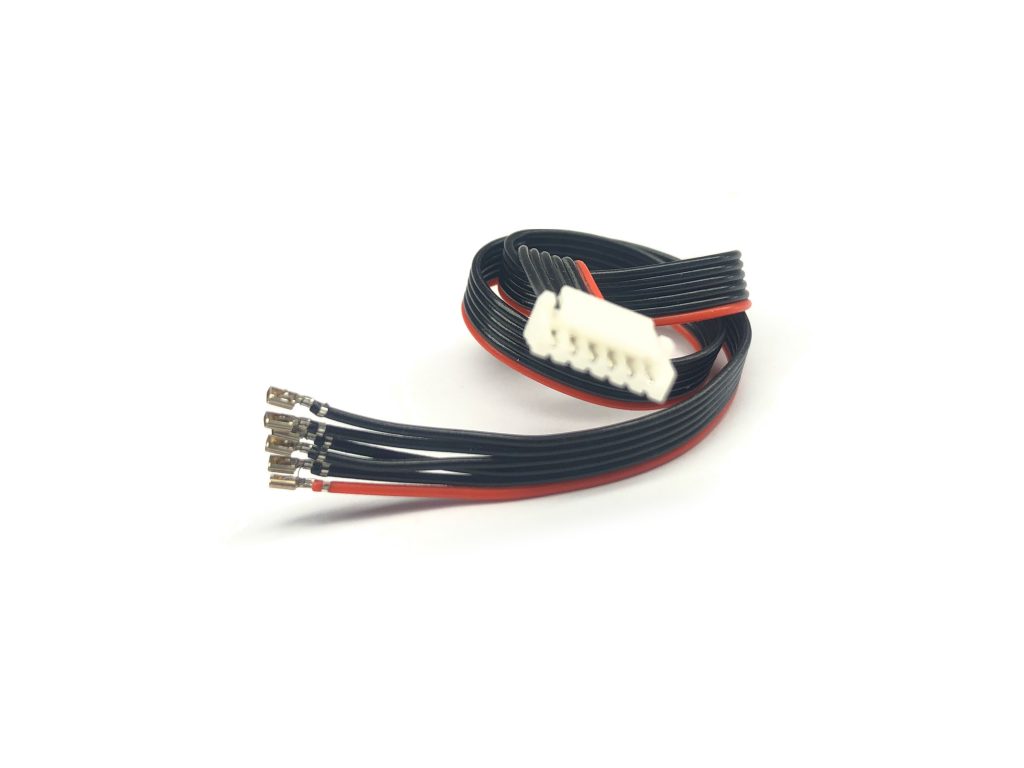
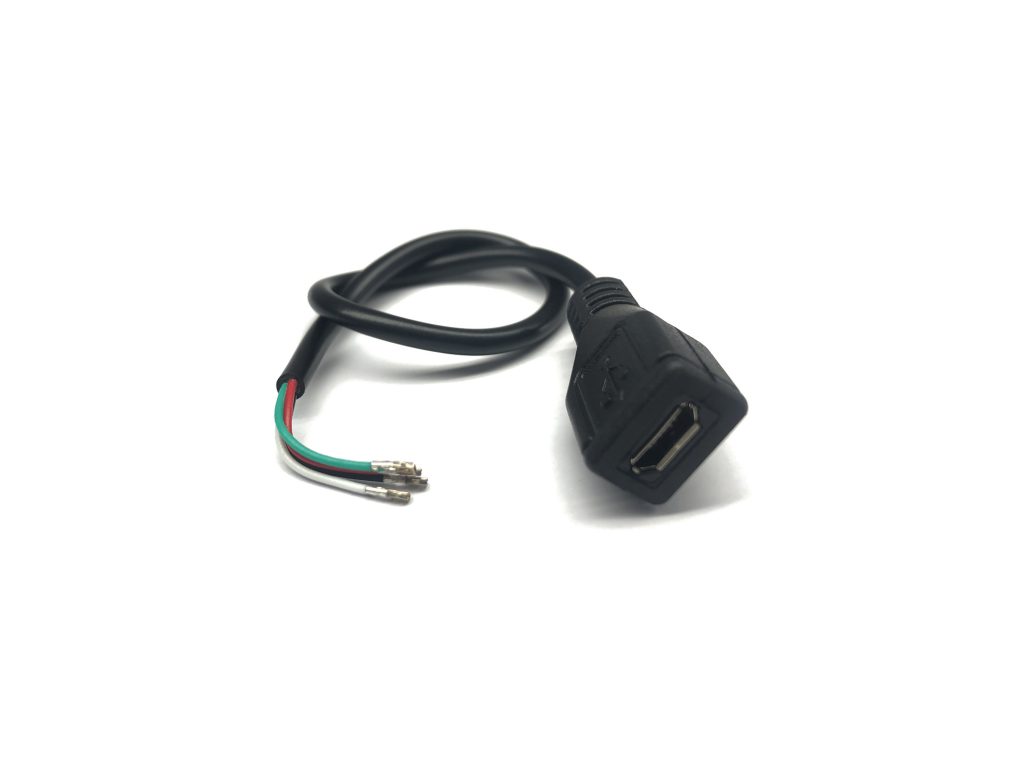
Section titled “Bag #1”Bag #1 contains the [30P-PicoClasp Header + MRC0272 + MRC0277] combined with the [Micro USB Cable], which offers a quick way to attach your autopilot to your PC. The MRC0272 is the female USB cable socket and the MRC0277 is the 6-position, red and black cable with a JST-GH header to attach your GPS. We recommend always keeping this harness on the ground and only using it for quick testing, firmware updates, and/or diagnosis.
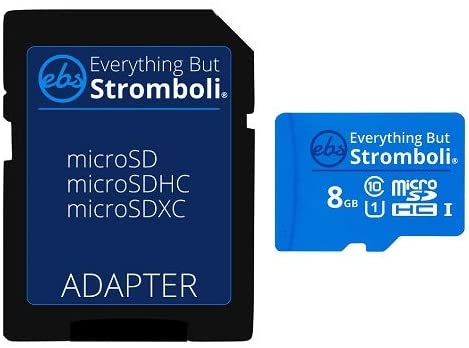
This bag also contains the enclosure (optional) and SD Card.
- 1 x Micro USB Cable
- 1 x 30P-PicoClasp Header + MRC0272 + MRC0271: 6P-PicoClasp Crimps to 6P-JST-GH Header (Red&Blk)
- 1 x 8GB SD Card
- 1 x Control Zero Case
- 1 x Tweezer
Bag #2
Section titled “Bag #2”This bag contains 2x red and black MRC0271 cables that will allow you to quickly attach your GPS and/or Telemetry modules that are JST-GH compatible. Please refer to Bag #3 for more PicoClasp to JST-GH options.
The remaining white cables [MRC0274, 5, 6 & 7] have PicoClasp crimps on one side and a “bare” cable on the other. Those are optional cables that allow advanced users to solder them to other hardware, or for pure development purposes.
- 2 x MRC0271: 6P-PicoClasp Crimps to 6P-JST-GH Header
- 1 x MRC0272: 4Pos-PicoClasp to Female Micro USB Socket
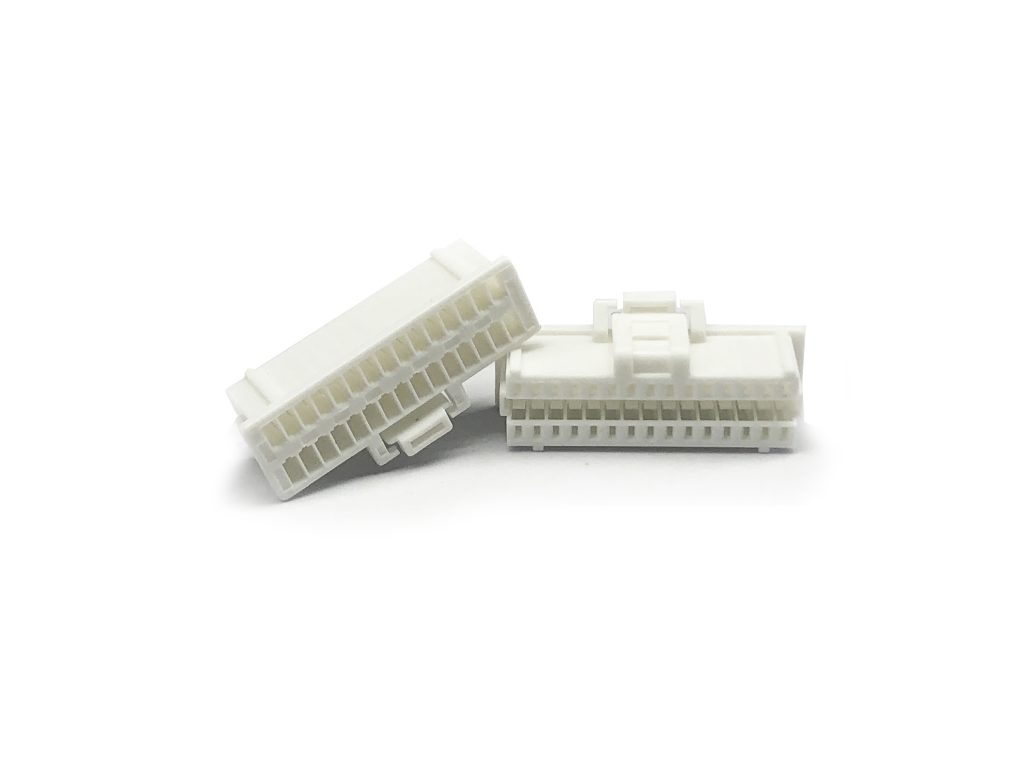
- 4 x 30P-PicoClasp Headers
Bag #3
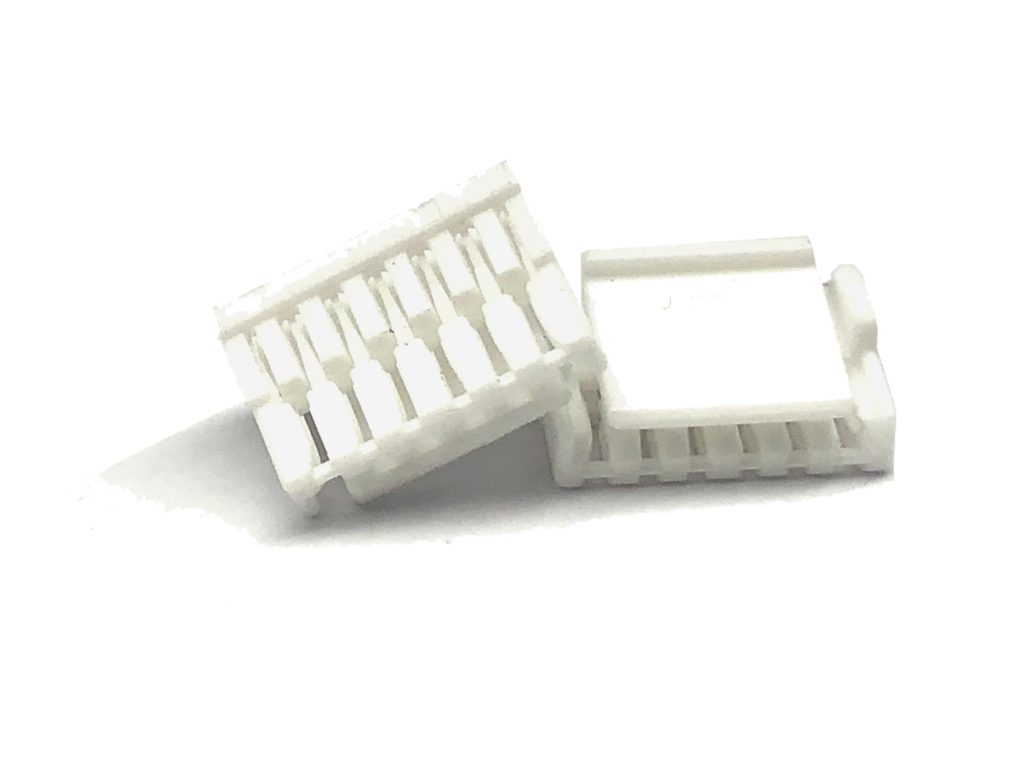
Section titled “Bag #3”This bag contains everything that is needed to assemble your own custom harnesses and interface between the two onboard Control Zero 30-pin PicoClaps connectors to the standard JST-GH header with 4 and 6 positions. The JST-GH is commonly used for CAN, GPS, Telemetry, and Power modules.
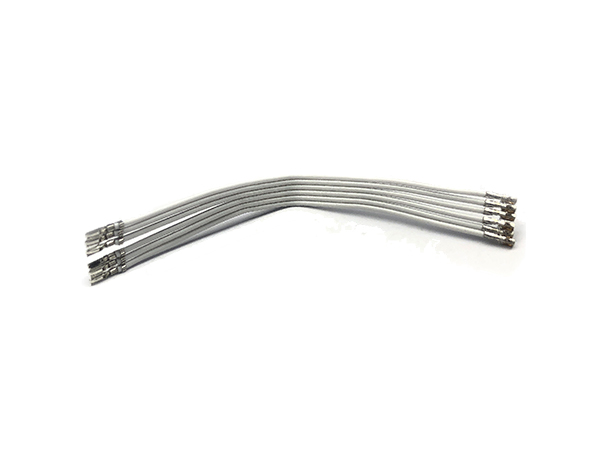
We have included enough “pre-crimped” PicoClaps to JST-GH cables with different lengths and JST-GH Housings to allow you to build any possible configuration. You won’t use most of the cables included, they are just there to give you maximum flexibility. You can obtain more housings at our store to take advantage of the remaining cables, or you can just save them as spare parts.
- 3 x 4P-JST-GH Housing
- 6 x 6P-JST-GH Housing
- 1 x MRC0279-150mm: 6P-PicoClasp Crimps to JST-GH Crimps
- 1 x MRC0280-50mm: 12P-PicoClasp Crimps to JST-GH Crimps
- 1 x MRC0280-100mm: 12P-PicoClasp Crimps to JST-GH Crimps
- 1 x MRC0280-200mm: 12P-PicoClasp Crimps to JST-GH Crimps
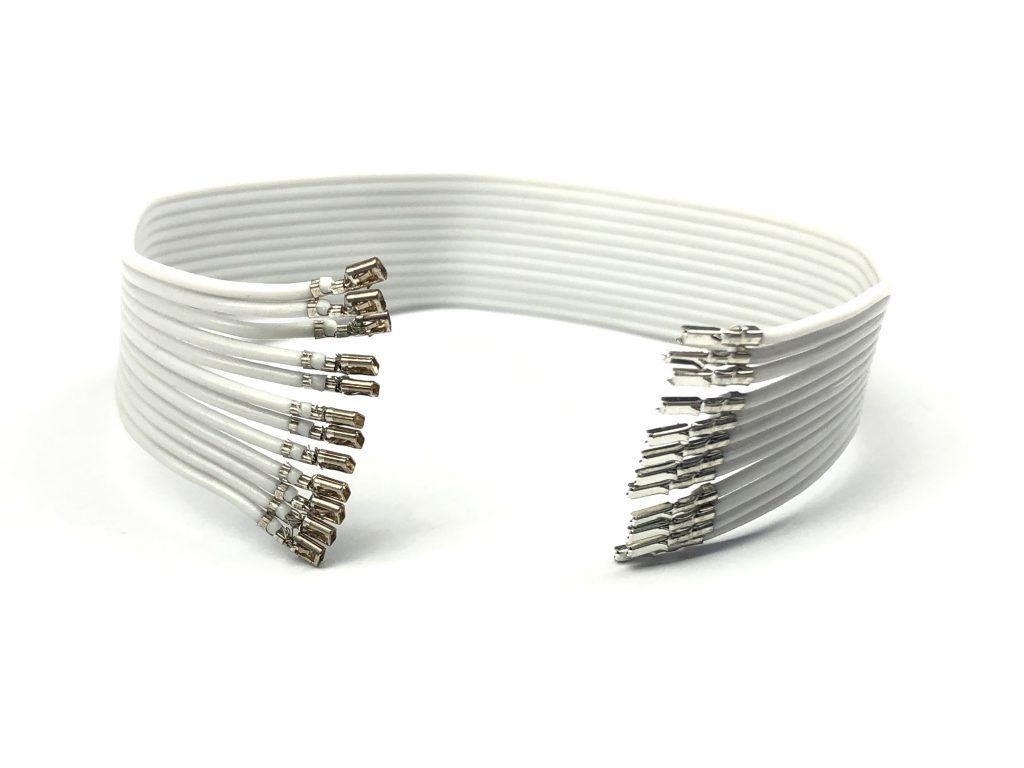
Bag #4
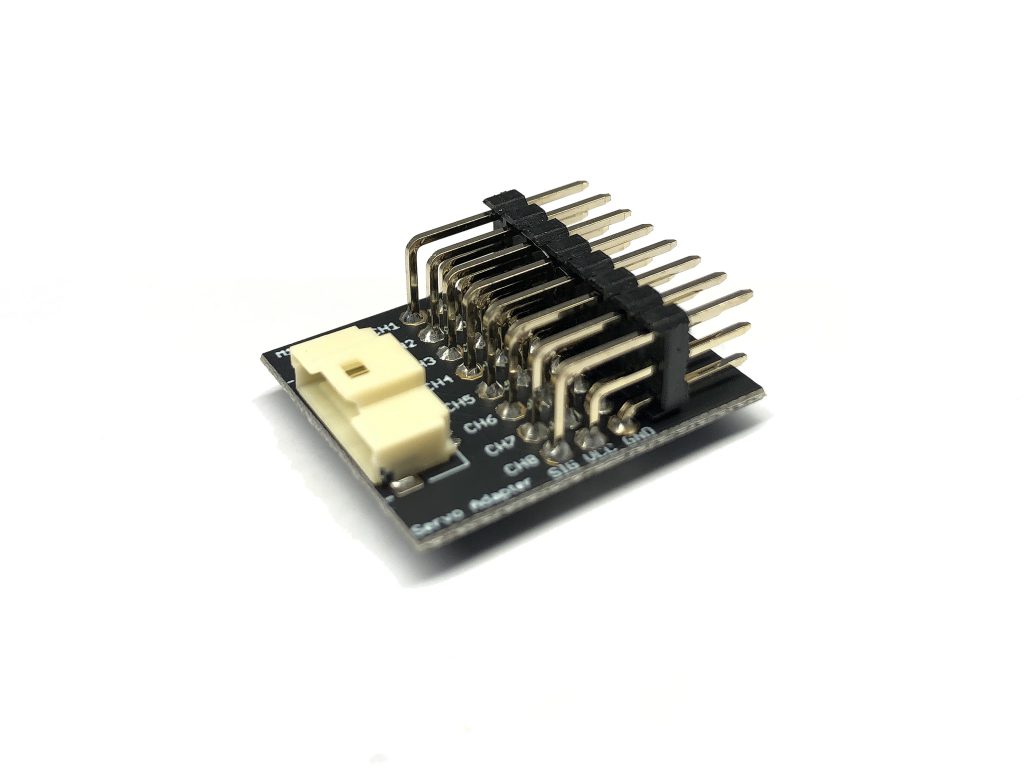
Section titled “Bag #4”This bag contains everything needed to create your own harnesses to attach servos to the Control Zero autopilot. Use the M10067 board to interface with standard 2.54 mm servos, or the M10068 board for the standard mini-servo connector. With some creativity, both boards can be used simultaneously to control a mix of standard and mini servos.
- 2 x 10P-PicoClasp Housing
- 1 x MRC0281-50mm: 12P-PicoClasp Crimp to PicoClasp Crimp
- 1 x MRC0281-100mm: 12P-PicoClasp Crimp to PicoClasp Crimp
- 1 x MRC0281-300mm: 12P-PicoClasp Crimp to PicoClasp Crimp
- 1 x M10067 (Board): 10P-PicoClasp Housing to 8x Servo Header
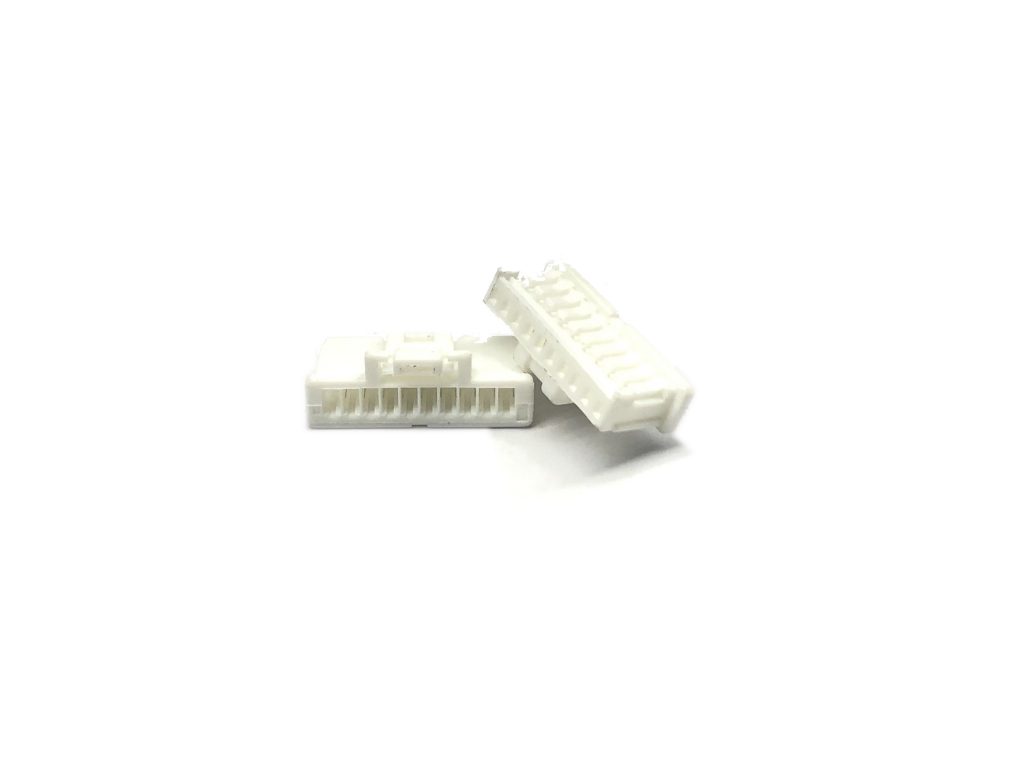
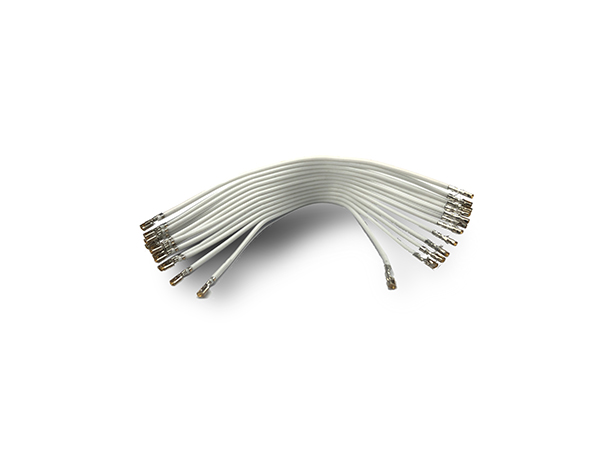
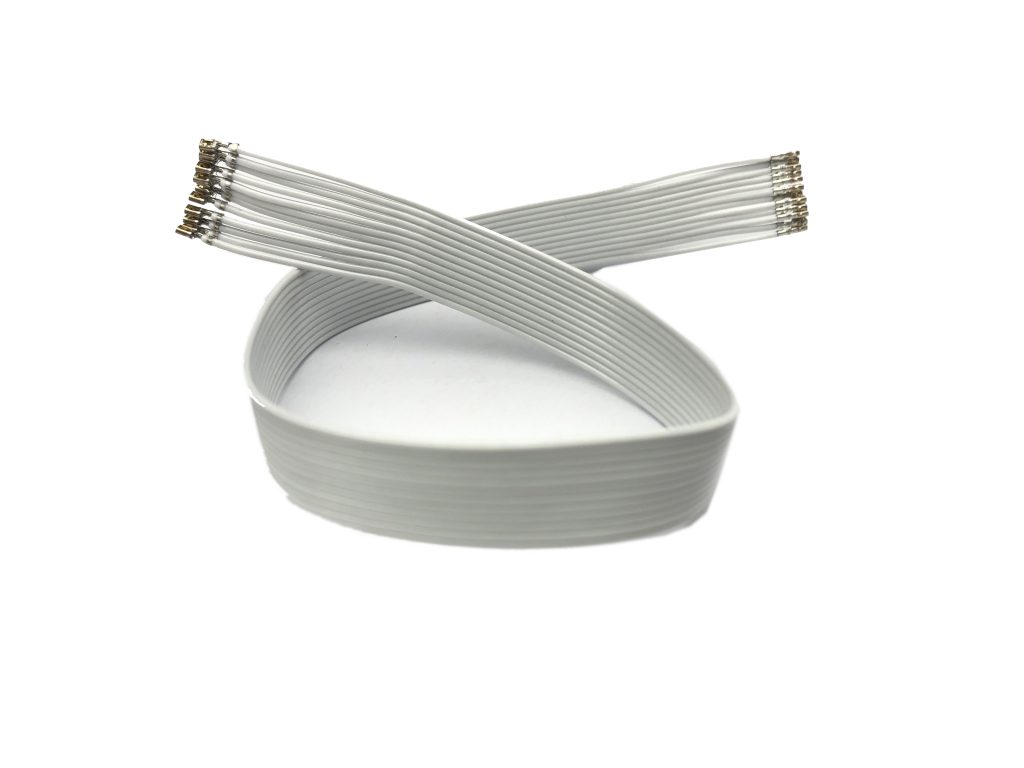
Harness Assembly
Section titled “Harness Assembly”Pico-Clasp Crimp Terminal
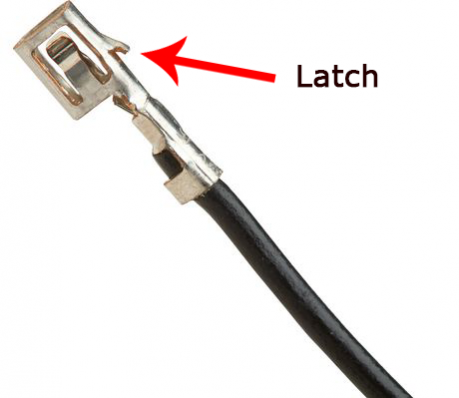
This is the Terminal Crimp that is included in each end of the cables.
Molex Pico-Clasp Connector
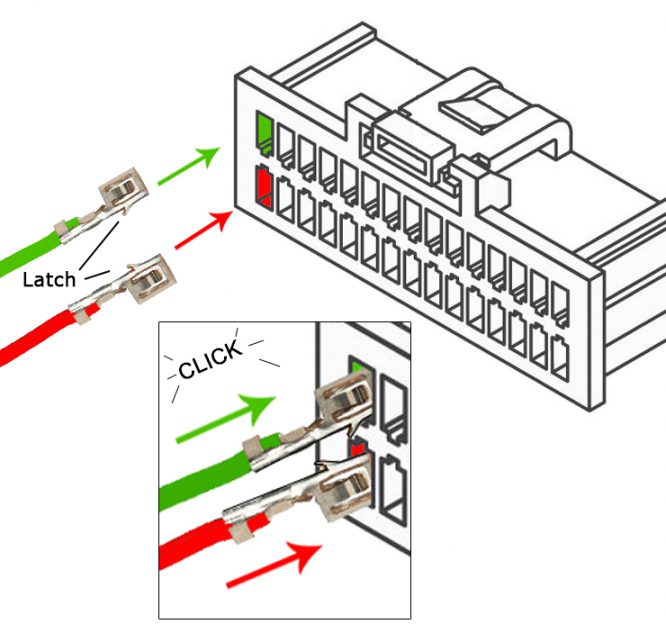
Section titled “Molex Pico-Clasp Connector”Most of the cables are just “pre-crimped” with PicoClaps crimps. They must be inserted into the “connector” with the correct direction of the latch.
Accessories
Section titled “Accessories”Questions or something missing? Please email us at: info@3dr.com